
本文档记录如何将 Next.js 静态站点同时部署到 GitHub Pages 和 Cloudflare Pages,并配置自定义域名。
目录
2026年3月27日...大约 5 分钟
本文档记录如何将 Next.js 静态站点同时部署到 GitHub Pages 和 Cloudflare Pages,并配置自定义域名。
脚本名称:server.sh
用途:用于执行springboot打包生成的可执行文件helloworld.jar ,jar包存放在/home/test/目录下。
脚本内容:
cd /home/test/
if [ -z $appName ];then
    appName=`ls -t |grep .jar$ |head -n1`
fi

if [ -n "$appName" ];then
	if [ -z $APP_NAME ];then
       APP_NAME=${appName%.*}
	fi
	if [ -z $JVM ];then
	JVM="-XX:+UseG1GC -XX:+HeapDumpOnOutOfMemoryError -Xms512M -Xmx2G"
	fi

fi

function getAppId()
{
	appId=`ps -ef |grep java|grep $appName|awk '{print $2}'`
}

function start()
{
	getAppId
	if [ -z $appId ];then
		echo "The $appName is starting..."
		nohup java $JVM -jar ./$appName --server.port=8090 --server.servlet.context-path=/appName  > /dev/null 2>&1 &
	else
		echo "$appName is still running, please check it..."
		exit 1
	fi
}

function stop()
{
	getAppId
	if [ -z $appId ];then
	  echo "The $appName not running"
	else
        echo "The $appName is stopping..."
        kill $appId
		for i in {1..15}
		do
			echo *****wait 1s to check server[$appId]  status*****
			sleep 1
			getAppId
			if [ -z $appId ];then
				echo "The $appName is stopped..."
				return
			fi
		done
		echo *****force kill server[$appId]*****
  		kill -9 $appId
	fi
}

function restart()
{
    stop
    start
}

function status()
{
    getAppId
	if [ -z $appId ]; then
	    echo -e "$appName not running"
	else
		echo -e "$appName is running [$appId], waiting to check status"
		SYS_URL="http://localhost:$SERVER_PORT/appname/sys/status/check"
		echo "check $SYS_URL ......"
        RST=`curl $SYS_URL -s`
		if [ "$RST" == "On" ]; then
			echo "running"
		else
			echo "failure"
		fi
	fi
}


function usage()
{
    echo "Usage: $0 {start|stop|restart|status|stop -f}"
    echo "Example: $0 start"
    exit 1
}

case $1 in
	start)
	start;;

	stop)
	stop;;

	restart)
	restart;;

	status)
	status;;

	*)
	usage;;
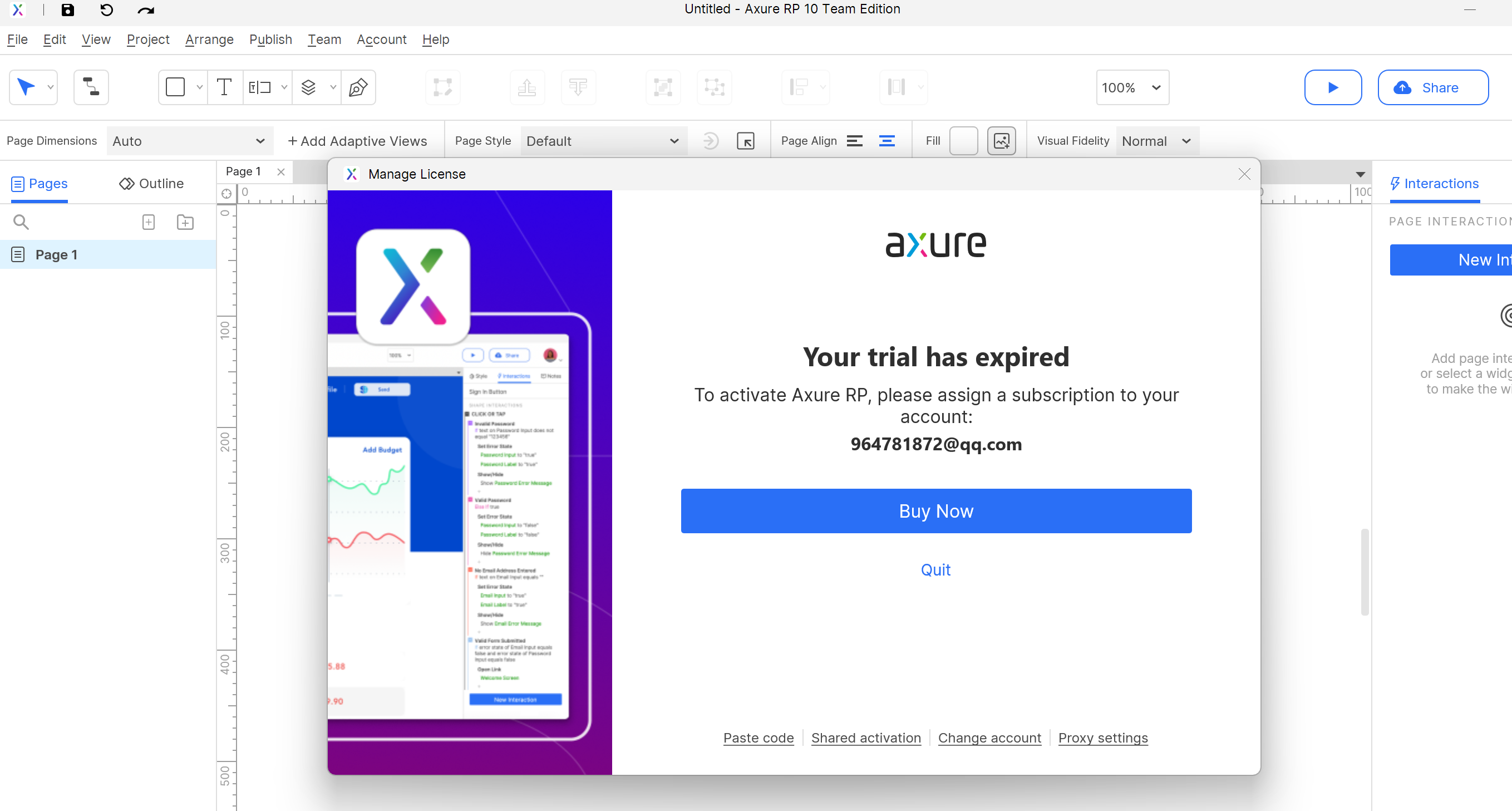
esac最近axure 10的试用期限到,导致无法使用了,同事用axure制作的原型图导出了html给我,但是我通过浏览器还是打不开
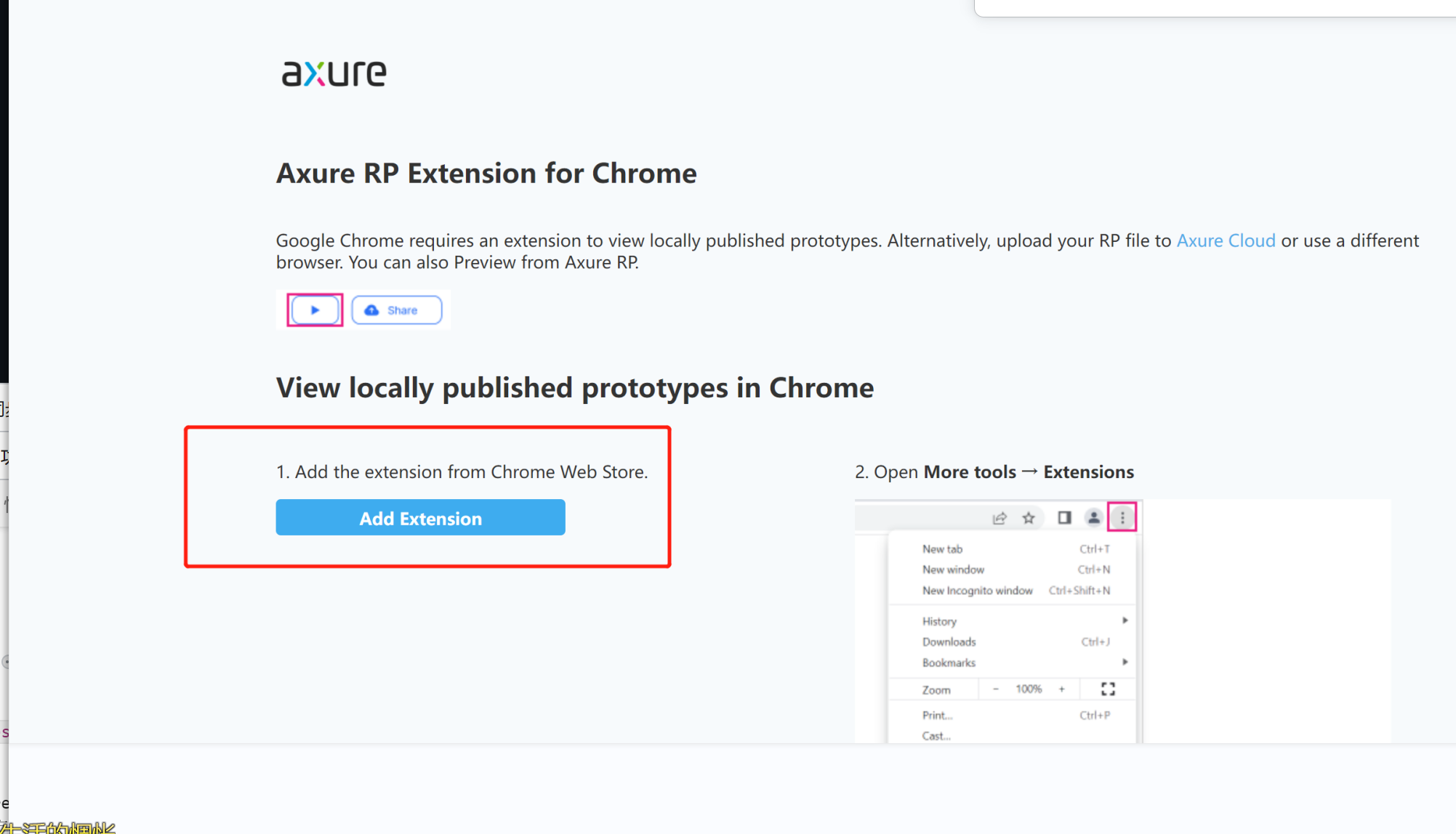
因为国内网络限制没法访问Chrome Web Store,都没有办法安装各类扩展。
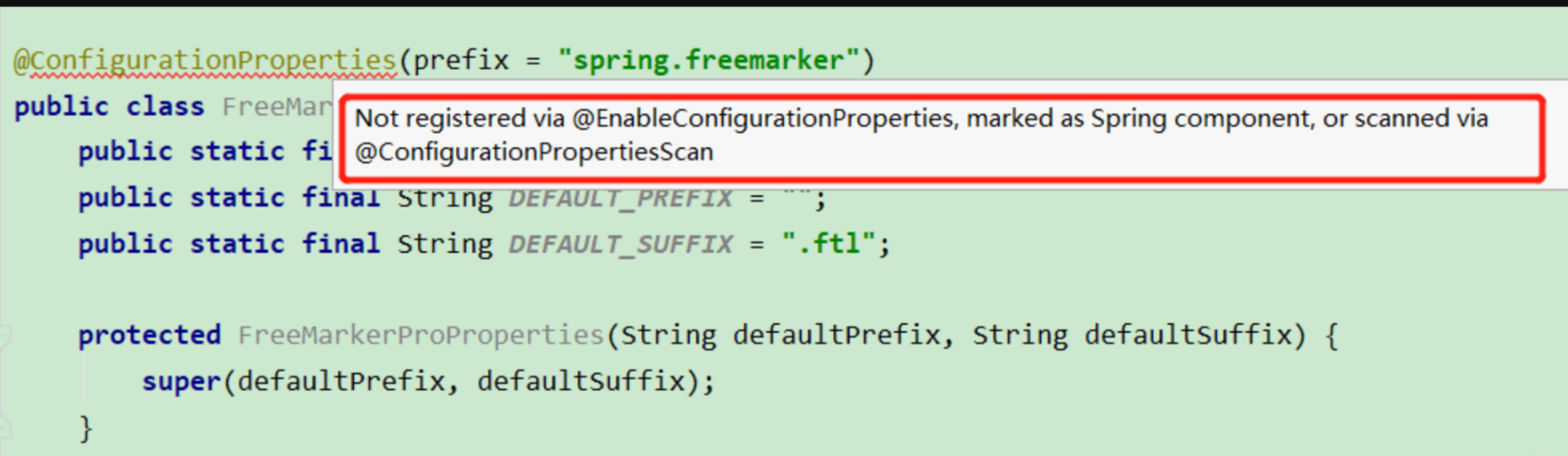
当使用@ConfigurationProperties时IDEA顶部出现这样的提示:
1. http://www.abc.com到http://www.def.com的请求会出现跨域(域名不同)
2. http://www.abc.com:3000到http://www.abc.com:3001的请求会出现跨域(端口不同)
3. http://www.abc.com到https://www.abc.com的请求会出现跨域(协议不同)默认主干分支名称叫什么都可以,只是我们习惯主分支名称叫master,这里记录如何修改默认分支: 第一步:在gitlab上新建项目test后,进入test项目,点击左侧Repository->Branches,可以看到里面只有一个受保护的默认分支main,此处无法删除。 第二步:我们接着新建一个分支叫master:点击右上角New Branch,输入分支名称master》Create branch。
第三步:再点击左侧Settings->Repository,点开Default branch,选择Default branch 为master->Save Changes。